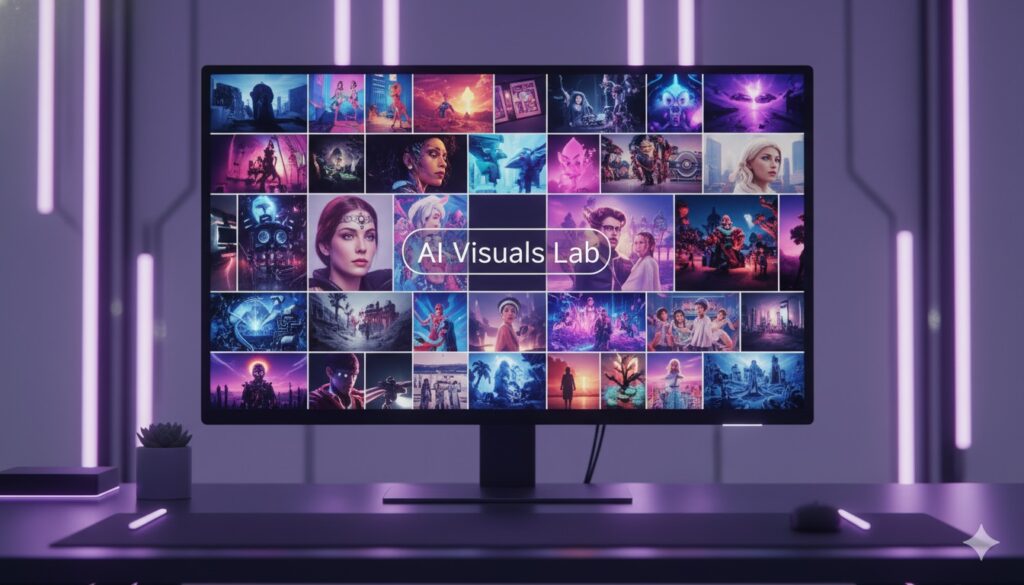
Sometimes, you may see an AI-generated image you love and want to recreate it with your own tools or modify it slightly. Recreating AI images isn’t about copying—it’s about understanding the underlying prompt structure, analyzing visual elements, and guiding AI to generate a similar or improved version. This technique is valuable for designers, marketers, and hobbyists who want consistent, high-quality results.
Why Recreate AI Images?
Recreating images allows you to:
- Maintain a consistent style across projects or social media feeds.
- Modify images for different campaigns or purposes.
- Learn how prompts influence output, improving your AI skills.
Step 1: Analyze the Original Image
Before writing a prompt, carefully examine the original image. Consider:
- Subject – Who or what is the focus?
- Background – Indoor, outdoor, abstract, detailed?
- Style – Realistic, cartoon, cinematic, cyberpunk?
- Lighting & Mood – Bright, soft, moody, dramatic?
- Composition – Angle, perspective, central elements.
Using AI Tools for Analysis
You can use ChatGPT or other AI tools to help break down an image. For example:
- Upload or describe an image to ChatGPT and ask it to identify style, lighting, and composition.
- Use AI-based image analyzers to detect dominant colors, mood, or artistic influences.
- AI can also suggest prompt ideas based on the original image.
This step helps you create a structured, accurate prompt without missing important visual elements.
Step 2: Write a Detailed Prompt
Use your analysis to craft a descriptive prompt. Include:
- Subject: “A young woman reading in a sunlit library”
- Style & Mood: “Realistic, warm lighting, soft shadows, cozy atmosphere”
- Composition: “Slight overhead angle, book in focus, blurred background”
The more precise your prompt, the closer the recreated image will match your vision.
Step 3: Iterate and Refine
Generate multiple versions and refine the prompt. Experiment with:
- Synonyms for style adjectives (“cozy” vs “inviting”)
- Lighting variations (“golden hour” vs “soft morning light”)
- Composition adjustments (“close-up” vs “medium shot”)
Step 4: Use Premade Prompts from AIVisualsLab.com
To save time and ensure professional-quality recreation, AIVisualsLab.com offers premade and tested prompts. You can copy these prompts directly into AI tools to quickly generate images with styles or compositions similar to your favorites. This is especially useful for creating series of images with consistent visual themes.
Tips for Best Results
- Avoid overly long prompts; focus on essential details.
- Use reference images where possible to guide AI.
- Maintain consistent style elements across recreations.
- Experiment gradually; small changes often yield the best outcomes.
- Combine AI analysis tools like ChatGPT with visual AI analyzers to fine-tune prompts.
Benefits of Recreating AI Images
- Achieve consistent, professional visuals for social media, websites, or marketing campaigns.
- Save time and reduce guesswork in generating complex images.
- Build a stronger understanding of prompt engineering and AI capabilities.
- Use AI tools to analyze and enhance image prompts, ensuring accuracy and creativity.
Conclusion
Recreating AI images is a powerful technique for maintaining style consistency, modifying existing visuals, or improving your prompt-writing skills. By analyzing images carefully, leveraging ChatGPT and other AI tools, and using tested prompts from AIVisualsLab.com, you can produce professional-quality results quickly and efficiently.