You know how crucial great visuals are for social media, right? They grab attention, tell your story, and make your content stand out in a crowded feed. But creating stunning, original images takes time, skill, and often, a budget. What if you could conjure up almost any image you imagine, quickly and easily?
That’s where AI photo prompts come in. They’re your secret weapon for generating unique, high-quality visuals tailored precisely to your brand and message. Think of AI as your personal, infinitely talented photographer and graphic designer, ready to bring your wildest ideas to life with just a few well-chosen words. You don’t need fancy equipment or a photography degree. You just need to know how to talk to the AI.
This guide will show you exactly how to do that. We’re going to dive deep, moving beyond basic instructions to explore advanced techniques that’ll transform your social media game. You’ll learn the specific elements that make a prompt powerful, how to troubleshoot when things go sideways, and even how to make sure your AI visuals perfectly complement your text. Let’s get started.
Structure Map
- Why AI Images Matter for Social Media
- The Core of a Great Prompt: Starting Strong
- Building Your Visual Masterpiece: Prompt Elements for Detail
- Advanced Prompt Engineering for Pro Results
- When Things Go Wrong: Troubleshooting AI Images
- Seamless Storytelling: Integrating Visuals and Text
- Ethical AI: Bias, Representation, and Responsible Prompting
- Frequently Asked Questions
Why AI Images Matter for Social Media
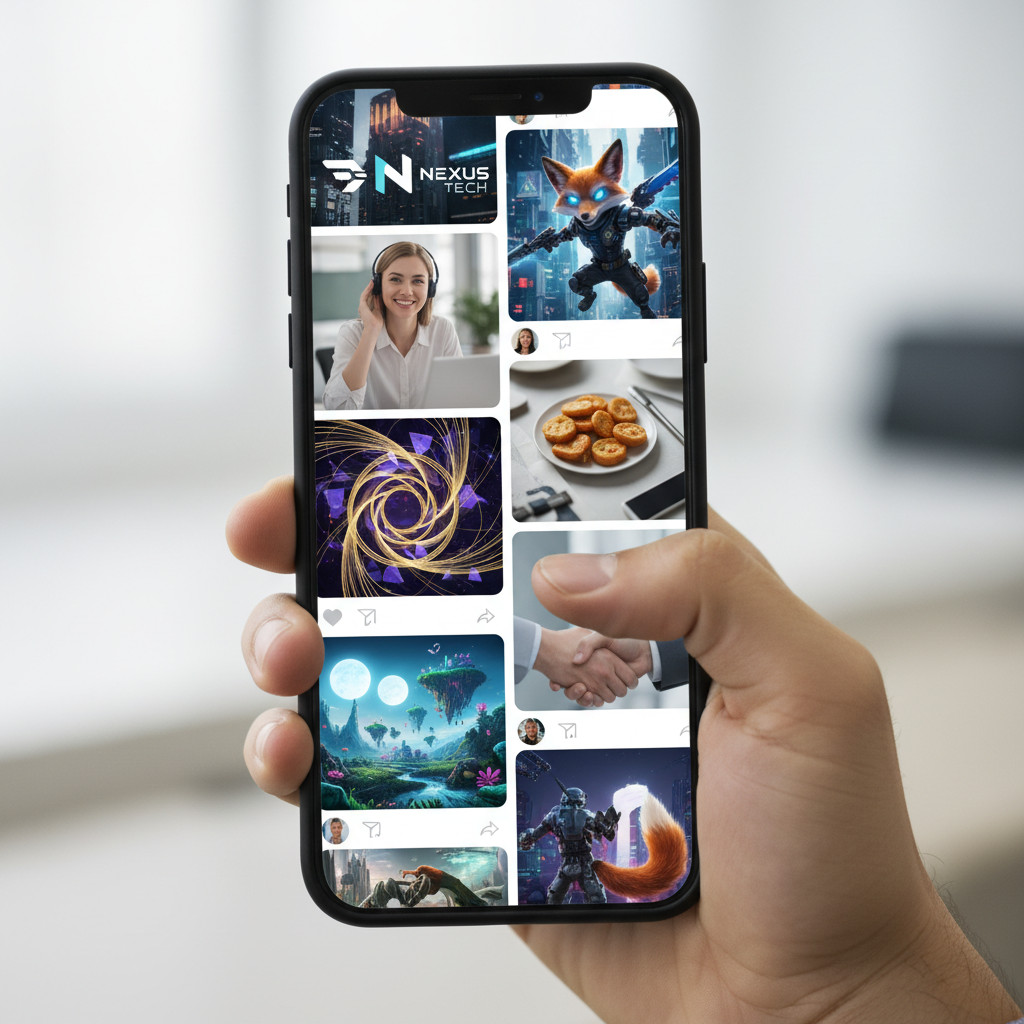
Social media is a visual medium. People scroll quickly, and you only have a split second to catch their eye. Generic stock photos just don’t cut it anymore; they feel impersonal and often look dated. Originality is key.
AI image generators let you create visuals that are 100% unique to your brand. You can illustrate specific concepts, create custom characters, or even generate abstract art that perfectly matches your aesthetic. This speed and personalization gives you a huge advantage. It means less time searching for the right image and more time creating content that truly connects.
The Core of a Great Prompt: Starting Strong
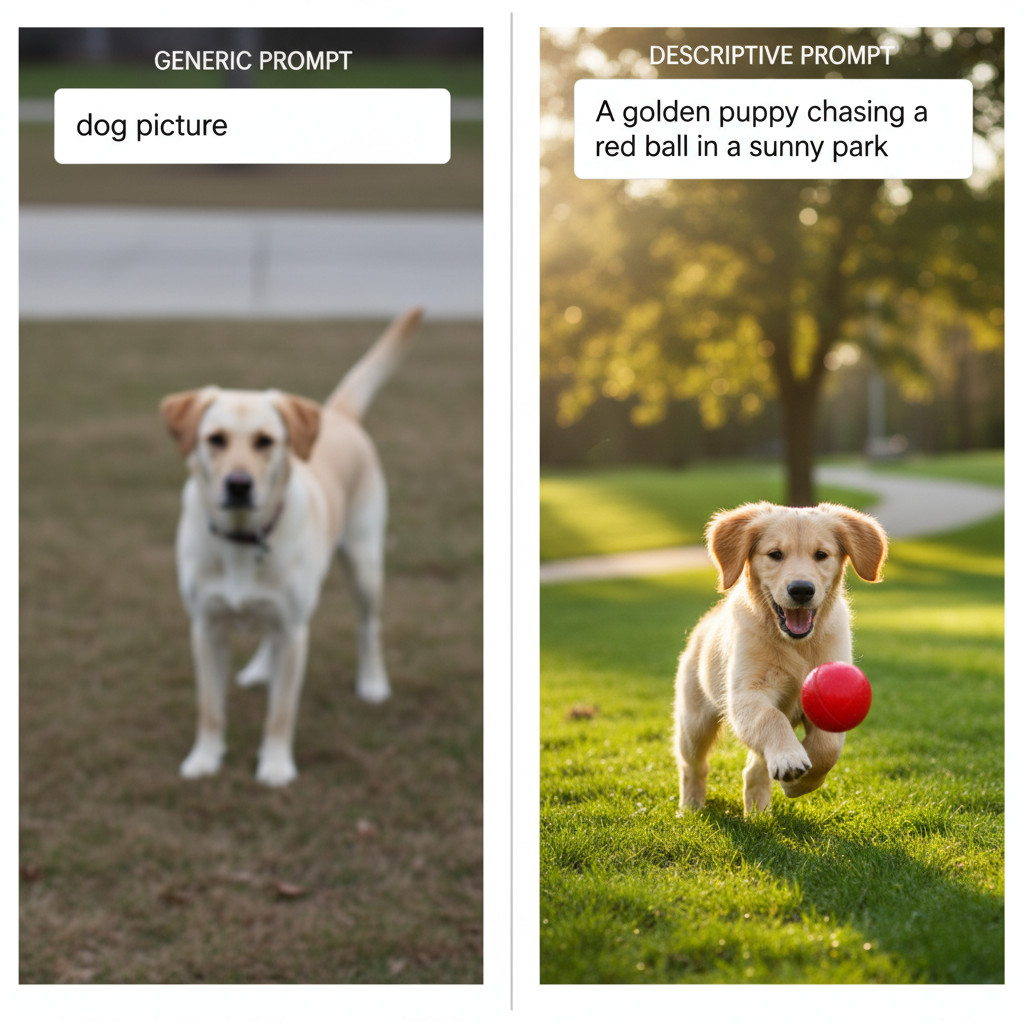
Think of a prompt as a conversation with a highly skilled artist. You wouldn’t just say “make a picture.” You’d describe what you want, right? AI works the same way. The more specific and descriptive you are, the better the results will be.
Every effective AI photo prompt generally includes a few core components. You’ll want to specify the subject, the action, the setting, and the overall mood. Getting these basics down makes a big difference.
For example, instead of “dog picture,” try “A golden retriever puppy chasing a red ball in a sunny park.” That’s already much better. You’ve given the AI a clear subject, an action, and a specific environment.
Building Your Visual Masterpiece: Prompt Elements for Detail
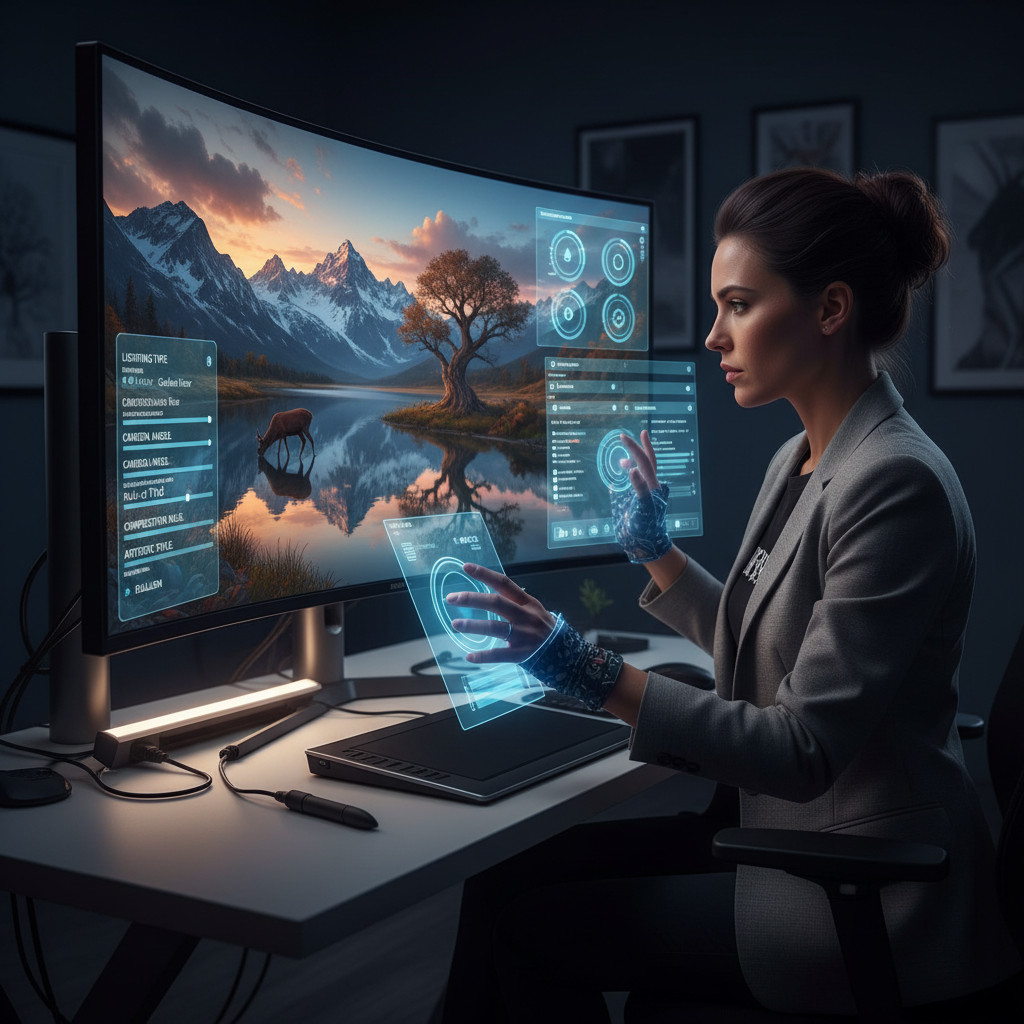
Now, let’s get really granular. This is where you elevate your prompts from good to incredible. We’ll break down the specific elements you can control to fine-tune your AI-generated images.
Lighting: Setting the Scene with Illumination
Light sets the mood and highlights details. Describing light is one of the most powerful ways to influence your image’s feel. Don’t just say “bright” or “dark.” Get specific.
- Softbox lighting: This gives a very even, diffused light, often used in professional studio photography for portraits. It reduces harsh shadows.
- Example: “A young woman smiling, illuminated by softbox lighting, in a modern minimalist studio.”
- Rim light: Also known as backlighting, this creates a glowing outline around your subject, separating them from the background. It adds drama and depth.
- Example: “A lone cowboy riding a horse at sunset, dramatic rim light outlining their silhouettes against the vibrant sky.”
- Chiaroscuro: A technique using strong contrasts between light and dark, usually bold contrasts affecting a whole composition. It creates a sense of volume and drama, often seen in Baroque paintings.
- Example: “An old man reading a book, chiaroscuro lighting, with deep shadows and strong highlights emphasizing his face and hands.”
- Golden hour light: The period shortly after sunrise or before sunset, when the sun is low in the sky, producing a soft, warm, golden glow. It’s universally flattering.
- Example: “A couple walking hand-in-hand through a field of wildflowers, bathed in warm golden hour light.”
- Neon glow: Often seen in urban or futuristic settings, providing vibrant, artificial light.
- Example: “Rainy Tokyo street at night, storefronts reflecting neon glow on wet pavement.”
- Candlelight: Warm, flickering, intimate light source.
- Example: “A cozy dinner setting, table lit only by flickering candlelight, intimate atmosphere.”
Camera Angles & Shots: Your Virtual Lens
You can direct the AI like a film director, specifying exactly how the “camera” should capture the scene. This changes perspective and emphasis dramatically.
- Dutch angle (or canted angle): The camera is tilted, creating a slanted horizon line. This often suggests unease, disorientation, or dynamism.
- Example: “A detective looking suspiciously at a crime scene, shot with a dramatic Dutch angle, film noir style.”
- Worm’s eye view: Shot from below, looking up at the subject. It makes the subject appear large, imposing, or powerful.
- Example: “A towering skyscraper, worm’s eye view, reaching into a cloudy sky, exaggerated perspective.”
- Bird’s eye view (or aerial view): Shot from directly above, looking down. It provides a broad overview and can make subjects appear small or insignificant.
- Example: “A bustling city square, bird’s eye view, people moving like ants, vibrant street market.”
- Close-up shot: Focuses on a specific detail, like a face or an object, filling the frame.
- Example: “Extreme close-up of a single dewdrop on a spiderweb, macro photography style.”
- Wide shot: Shows the subject in its entirety, along with its surroundings, establishing the scene.
- Example: “A vast mountain range with a tiny hiker on a trail, wide shot, epic landscape.”
- Medium shot: Typically from the waist up, focusing on character interaction and body language.
- Example: “Two friends laughing at a cafe table, medium shot, natural expressions.”
Composition & Framing: Guiding the Viewer’s Eye
Good composition makes an image visually appealing and easy to understand. You can tell the AI to follow classic photography rules.
- Rule of thirds: Dividing your image into nine equal parts with two horizontal and two vertical lines, placing key elements along these lines or at their intersections. This creates balance and interest.
- Example: “A lighthouse on a cliff, positioned according to the rule of thirds, with the ocean horizon on the lower third line.”
- Leading lines: Lines within the image (roads, fences, rivers) that draw the viewer’s eye towards the main subject.
- Example: “A long, winding road disappearing into the distance, leading lines composition, towards a distant mountain peak.”
- Symmetry: Creating a balanced image where elements are mirrored or repeated. It often conveys order or grandeur.
- Example: “A grand old building perfectly reflected in a still pond, symmetrical composition.”
- Framing: Using elements within the scene (doorways, trees, windows) to create a natural frame around your subject.
- Example: “A majestic deer peeking through a dense forest canopy, natural framing by tree branches.”
- Negative space: The empty space around and between the main subject, which can make the subject stand out more.
- Example: “A single red apple centered on a vast, plain white table, emphasizing negative space.”
Artistic Styles & Mood: Defining Your Aesthetic
This is where you infuse your images with personality. You can reference specific art movements, photography genres, or even fictional styles.
- Art Deco: Geometric shapes, strong lines, lavish ornamentation, often associated with the 1920s and 30s.
- Example: “A stylish woman in a flapper dress, Art Deco architectural background, elegant and glamorous.”
- Cyberpunk: Dystopian futuristic settings, high-tech low-life, neon lights, often dark and gritty.
- Example: “A lone figure walking through a rainy, neon-lit cyberpunk city street, futuristic urban landscape.”
- Impressionistic painting: Soft brushstrokes, vibrant colors, capturing the fleeting effects of light and atmosphere.
- Example: “A field of sunflowers, painted in an impressionistic style, vibrant colors and soft edges.”
- Film noir: High contrast black and white, dramatic shadows, mysterious and often gritty.
- Example: “A mysterious figure in a trench coat standing in a dark alley, film noir style, high contrast black and white.”
- Steampunk: Victorian-era science fiction with steam-powered machinery, gears, brass, and intricate designs.
- Example: “An inventor in a workshop filled with intricate steampunk machinery, brass and copper details.”
- Fantasy art: Magical creatures, epic landscapes, often highly detailed and imaginative.
- Example: “A majestic dragon flying over an enchanted forest, epic fantasy art style, vibrant colors.”
- Minimalist photography: Focuses on simplicity, often using negative space, clean lines, and a limited color palette.
- Example: “A single tree on a stark, snowy landscape, minimalist photography, muted colors.”
By combining these elements – subject, action, setting, lighting, camera angle, composition, and style – you create a rich, detailed prompt that gives the AI a powerful blueprint for your vision.
Advanced Prompt Engineering for Pro Results
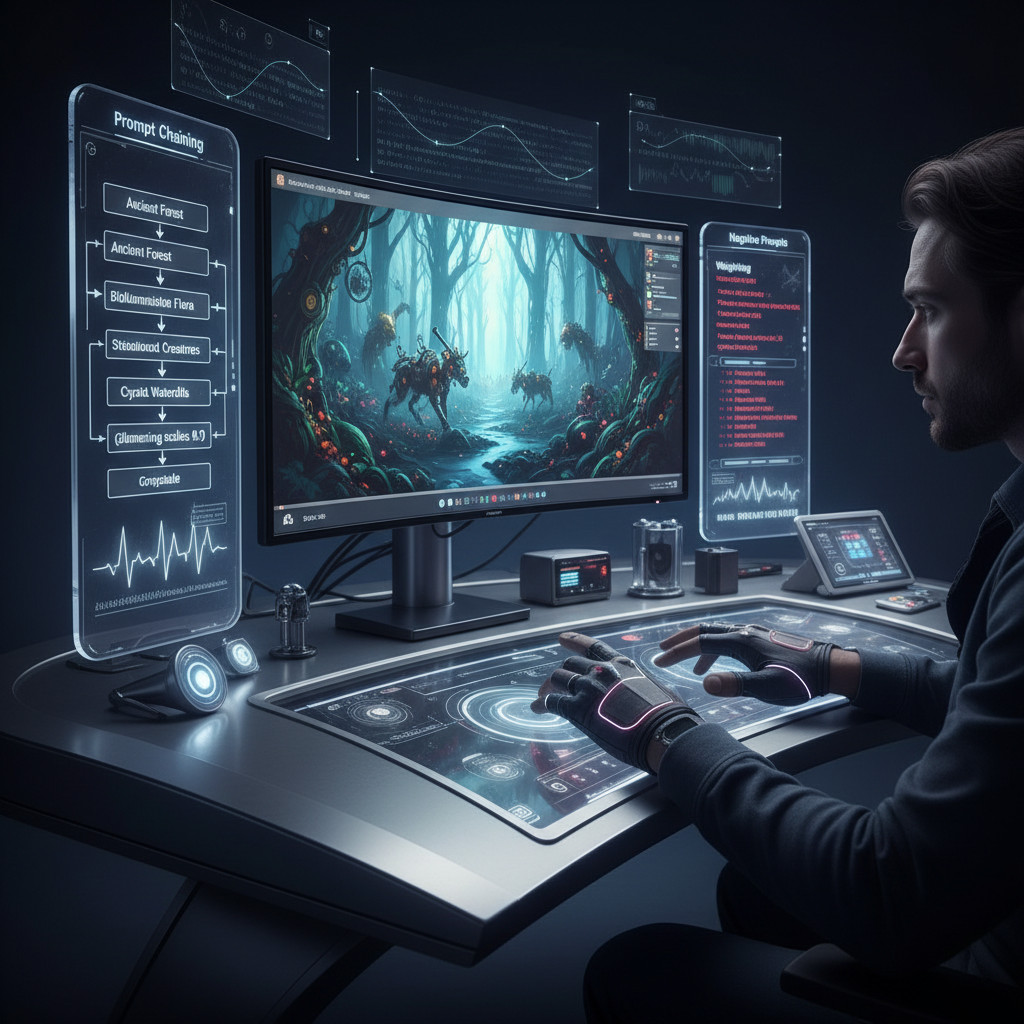
Once you’re comfortable with the basics, it’s time to experiment with techniques that give you even more control and precision. These methods are what separate a good AI artist from a great one.
Prompt Chaining: Building Complexity Layer by Layer
Sometimes, a single prompt isn’t enough to capture all the nuance you want. Prompt chaining involves generating an initial image, then using that image (or a description of it) as a starting point for further generations. It’s like having a conversation where you refine your request based on the artist’s initial sketch.
- How it works: You generate an image, then describe what you like about it and what you want to change or add in a subsequent prompt. Many AI tools allow you to ‘remix’ or ‘vary’ an existing image.
- Use cases:
- Refining details: Generate a “futuristic cityscape,” then chain with “Add flying cars and neon advertisements to the futuristic cityscape, vibrant.”
- Changing mood: Create “a serene forest path,” then chain with “Add mist and a faint, ethereal glow to the serene forest path, mysterious.”
- Character consistency: Generate a character once, then use that image as a reference point for creating the character in different poses or settings. This helps maintain a consistent look.
Negative Prompting: Telling the AI What Not to Do
This is a game-changer. Negative prompts instruct the AI to avoid certain elements, styles, or qualities. It’s incredibly useful for cleaning up unwanted artifacts or preventing common AI mistakes.
- How it works: Most AI image generators have a separate field for “negative prompts” or “things to exclude.” List keywords or phrases there.
- Common negative prompts to start with:
blurry, low resolution, ugly, deformed, extra limbs, bad anatomy, grayscale, watermark, text, out of frame, poor lighting, boring, cartoon, 3D render
- Specific use cases:
- If your human subjects often have distorted hands, add
deformed hands, extra fingers, missing fingersto your negative prompt. - If your images look too cartoonish when you want realism, add
cartoon, illustration, 3D renderto negative prompts. - If you get unwanted backgrounds, like a plain studio when you want outdoors, add
studio background, white backgroundto exclude it.
- If your human subjects often have distorted hands, add
Weighting and Emphasis: Prioritizing Your Keywords
Some AI models let you assign weights or emphasis to different parts of your prompt. This tells the AI which elements are more important than others.
- How it works: The syntax varies by AI tool. Common methods include parentheses
()for emphasis, brackets[]for de-emphasis, or numbers::for specific weighting. For example,(red car)might make “red car” more prominent, whilered car:1.5gives it a 1.5x weight. - Use cases:
- Stronger focus: If you want a
(fluffy cat)to be the absolute star of your image, give it more weight. - Balancing elements: If you want “a person walking on a beach” but the beach is more important than the person, you might say
person on (beach::1.3). - Controlling style: If you want a “photorealistic portrait with a hint of impressionism,” you could prompt
photorealistic portrait, (impressionistic style::0.5). The lower weight keeps it subtle.
- Stronger focus: If you want a
Mastering these advanced techniques gives you surgical precision over your AI generations. You’re not just suggesting; you’re directing.
When Things Go Wrong: Troubleshooting AI Images
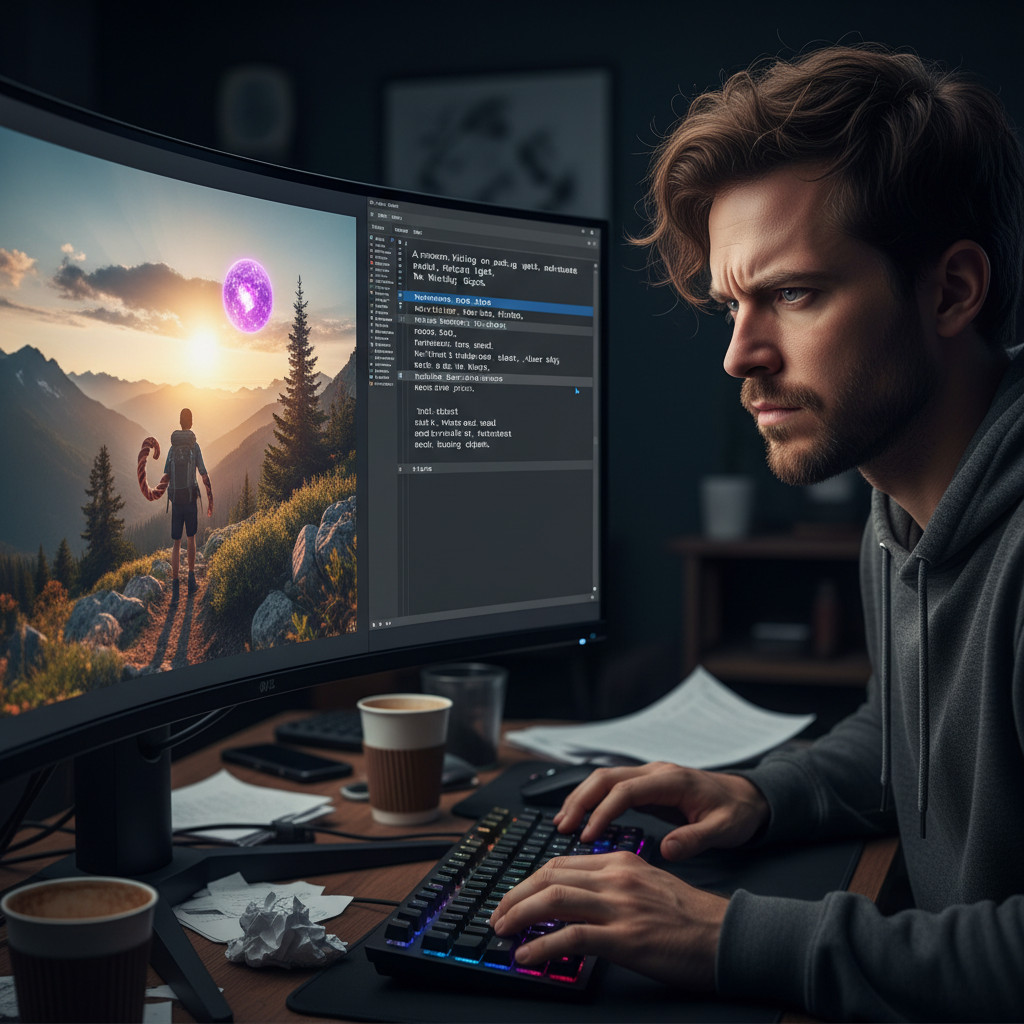
Let’s be real: AI doesn’t always get it right on the first try. Sometimes you’ll get bizarre limbs, strange compositions, or an image that’s just… off. Don’t get discouraged. This is part of the creative process. Here’s how you can troubleshoot and refine your results.
Iterate and Refine: Small Changes, Big Impact
Your first prompt is rarely your last. Think of AI generation as an iterative process.
- Make small adjustments: Instead of completely rewriting your prompt, change one or two words. Did you ask for a “tree” but got a pine, and you wanted an oak? Change
treetooak tree. - Add details gradually: Start with a simpler prompt, then progressively add more specific descriptions (lighting, camera angle, style) in subsequent generations. This helps you isolate what’s causing issues.
- Experiment with negative prompts: If you’re consistently getting an unwanted element, add it to your negative prompt list. This is often the quickest fix.
Identify the Problem: Too Vague or Too Complex?
The AI can struggle if your prompt is either too general or too overwhelming.
- Too vague: If you just say “city,” you might get anything. The AI might fill in too many blanks, leading to generic or undesirable results. Be specific about the kind of city (e.g., “futuristic cyberpunk city,” “historic European cobblestone street”).
- Too complex: A prompt with 50 different descriptive terms can confuse the AI. It might struggle to prioritize or combine them logically. Try breaking down complex scenes into simpler elements or using weighting.
- Conflicting instructions: Sometimes you accidentally tell the AI to do two contradictory things (e.g., “bright sunny day, dark stormy clouds”). Review your prompt for internal inconsistencies.
Leverage Negative Prompts for Unwanted Elements
We talked about negative prompts in the advanced section, but they’re also your best friend for troubleshooting.
- Specific exclusions: If your character’s eyes are always a weird color, add
red eyes, unnatural eye colorto your negative prompt. - Style correction: If you wanted a realistic photo but it looks too much like a painting, use
painting, illustration, cartoon, drawingas negative prompts. - Anatomy fixes:
deformed, bad anatomy, extra fingers, missing fingers, ugly, poorly drawn faceare common and helpful negative prompts when dealing with human or animal subjects.
The key is to learn from each generation. What worked? What didn’t? Adjust your prompt, generate again, and watch your vision come to life.
Seamless Storytelling: Integrating Visuals and Text

A stunning image is only half the battle on social media. The caption and the visual need to work together like a well-oiled machine, telling a cohesive story. This is where your AI-generated image becomes part of a larger content strategy.
Consistency is Key: Message, Tone, and Branding
Your AI image should support and enhance your textual message, not contradict it.
- Match the tone: If your caption is lighthearted and funny, your image shouldn’t be dark and brooding. If your brand is sophisticated, your visuals should reflect that elegance.
- Reinforce your message: The image should visually represent the core idea you’re trying to convey in your text. For a post about sustainability, an image of thriving nature or eco-friendly products makes sense.
- Maintain brand aesthetic: Ensure the colors, styles, and overall mood of your AI images align with your established brand guidelines. You might even include brand colors or specific stylistic keywords in your prompts.
AI for Captions: Using AI to Match Visual Tone
You can even use AI to help craft captions that perfectly complement your AI-generated visuals.
- Describe the image to the text AI: Give your text-generating AI a description of your AI-generated image. For example, “Write a catchy Instagram caption for an image of a serene forest path at sunrise, focusing on peace and new beginnings.”
- Generate variations: Ask the AI for several caption options, then pick the one that best fits your voice and platform.
- Ensure keyword integration: If you have specific SEO keywords for your caption, make sure the AI incorporates them naturally.
By thinking about the entire post – image and text together – you create a much more powerful and engaging piece of social media content. The visual hooks them, and the text draws them in deeper.
Ethical AI: Bias, Representation, and Responsible Prompting

As powerful as AI image generation is, it’s crucial to use it responsibly. AI models are trained on vast datasets, and these datasets can sometimes contain biases present in the real world. This means the AI might perpetuate stereotypes or underrepresent certain groups if you’re not careful.
Awareness of Bias: Recognizing AI’s Limitations
- Default assumptions: Without specific instructions, AI might default to certain demographics (e.g., showing only men in leadership roles, or a specific race for certain professions).
- Stereotypical representations: It might generate images that reinforce harmful stereotypes.
Mitigation Strategies: Prompting for Diversity and Inclusivity
You have the power to counteract these biases through thoughtful prompting.
- Be specific about demographics: If you want a diverse group, explicitly state it. Instead of “a doctor,” try “a female doctor of South Asian descent” or “a diverse group of doctors.”
- Vary your descriptions: Don’t always default to the same characteristics. Experiment with different ages, genders, ethnicities, and body types in your prompts.
- Focus on roles, not stereotypes: Describe the person by their action or profession, and then add diverse demographic details. For example, “a powerful CEO, a woman, Black, in a modern office.”
- Review for unintentional bias: Always review the generated images. If you see patterns of exclusion or stereotypes, adjust your prompts to be more inclusive.
Transparency: Disclosing AI Use
It’s good practice to be transparent when you’re using AI-generated images, especially if they are highly realistic. A simple “AI-generated image” or #AIart hashtag helps maintain trust with your audience. As AI becomes more sophisticated, clear disclosure becomes increasingly important. Using AI tools responsibly means being mindful of their impact and actively working to create a more equitable digital space.
Frequently Asked Questions
How do I make AI images look less ‘AI’ and more natural?
To make AI images look more natural, focus on adding realism details to your prompts. Include specific camera types (e.g., “shot on a Canon R5”), lens types (e.g., “85mm prime lens”), and photography terms like “bokeh,” “depth of field,” “natural light,” or “grainy film.” Also, use negative prompts to remove common AI artifacts like “blurry,” “deformed,” or “unnatural.” Experiment with styles like “photorealistic,” “documentary style,” or “street photography.”
Can I use AI-generated images commercially on social media?
Generally, yes, you can use AI-generated images commercially for social media, but you must check the specific terms of service for the AI tool you’re using. Most popular AI image generators grant users commercial rights to the images they create. However, copyright law around AI-generated content is still evolving, and some platforms might have restrictions. Always review the licensing agreements of your chosen AI service to be safe.
What’s the most important thing to remember when writing AI photo prompts?
The most important thing to remember is specificity and iteration. Don’t be afraid to be incredibly detailed in your prompts, describing everything from the subject’s expression to the exact type of lighting and the artistic style. Then, be prepared to iterate. Your first attempt likely won’t be perfect. Make small adjustments, add or remove keywords, and use negative prompts to refine your results until you get exactly what you envision. Think of it as a dialogue, not a one-time command.